Key Takeaways
- Find Hub's remembered items are coming to Android 16+ where both Gemini and Find Hub are supported.
- Motion Assist is described for phones running Android 17.
- Guided vision is coming soon to Android 9+ where Gemini is available, with explicit safety limits.
- Keep-in-Messages began rolling out September 1; custom chat themes were described as available.
Google’s September Android Drop does not mean every Android phone gets every new feature at once. Its September 1 announcement gives different requirements and availability language for five additions: remembered items in Find Hub, Motion Assist, Guided vision, Google Keep inside Messages, and custom chat themes.
The useful check is feature by feature. Some additions are already described as available, some are rolling out, and others are coming soon. The Android version on the phone is only one part of that answer; supported services and staged delivery matter too.
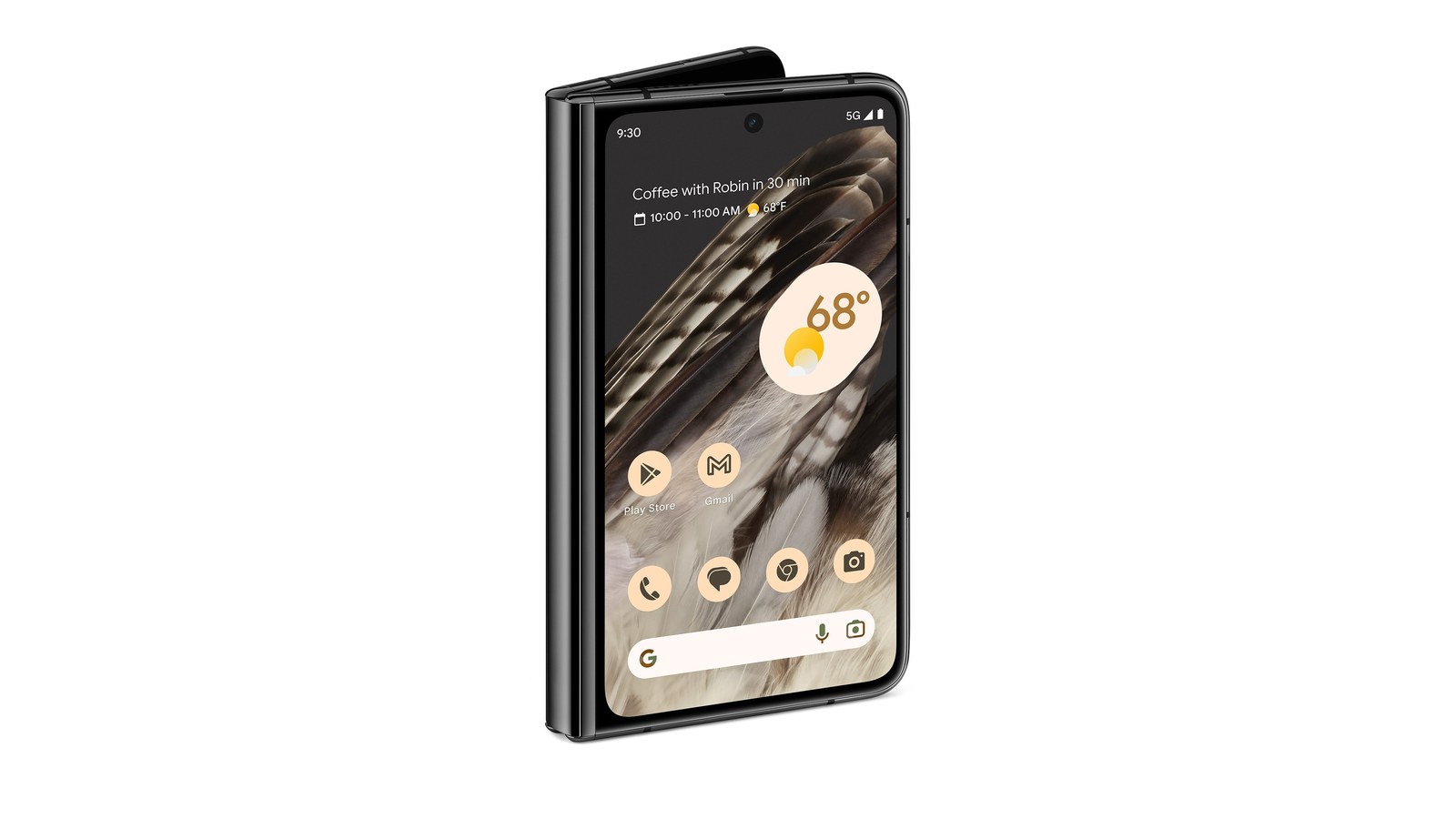
Hero: Source: Google, official Pixel Fold press image used as hardware context, not a compatibility promise. Source and publication permission. Resized with white padding; no interface content altered.
Start with the five-feature availability table
Google’s September 1 announcement is the basis for this table. Its wording is more precise than treating the entire Drop as a single operating-system update.
| Feature | Requirement or availability stated by Google |
|---|---|
| Remembered items in Find Hub | Coming soon; Android 16+; both Gemini and Find Hub supported locally |
| Motion Assist | Phones using Android 17 |
| Guided vision in Gemini Live | Coming soon; Android 9+; countries where Gemini is available |
| Google Keep in Google Messages | Rollout began September 1 |
| Custom backgrounds and chat themes | Described as available in Google Messages |
Meeting the minimum Android version does not immediately expose a feature in every account. Google’s broader feature page says updates roll out gradually and some capabilities depend on hardware or newer operating-system versions.
That is also why a feature missing from one phone does not, by itself, prove the update failed. First identify the exact feature, its stated requirement, and whether Google described it as available or still forthcoming.
Find Hub can remember what you tell it
The new remembered-items feature is intended for objects without a tracker tag, such as a passport or spare key. Google says users will be able to ask Gemini to remember where they placed an item, optionally include a photograph, and later ask for the saved location or check Find Hub’s remembered-items tab.
This is a record of information supplied by the user. It should not be confused with independently tracking an untagged object as it moves. If the passport leaves the drawer after its location is recorded, the description does not establish that Find Hub automatically knows about that move.
The announcement specifies Android 16 or later and countries where Gemini and Find Hub are supported. It also uses coming-soon language. That combination makes the feature worth watching for, while avoiding the misleading instruction to expect the tab on every Android phone today.
If your main interest is voice interaction, our Gemini Live explainer covers the broader product context. Remembered items are one defined workflow within that larger area.
Motion Assist has the newest OS requirement
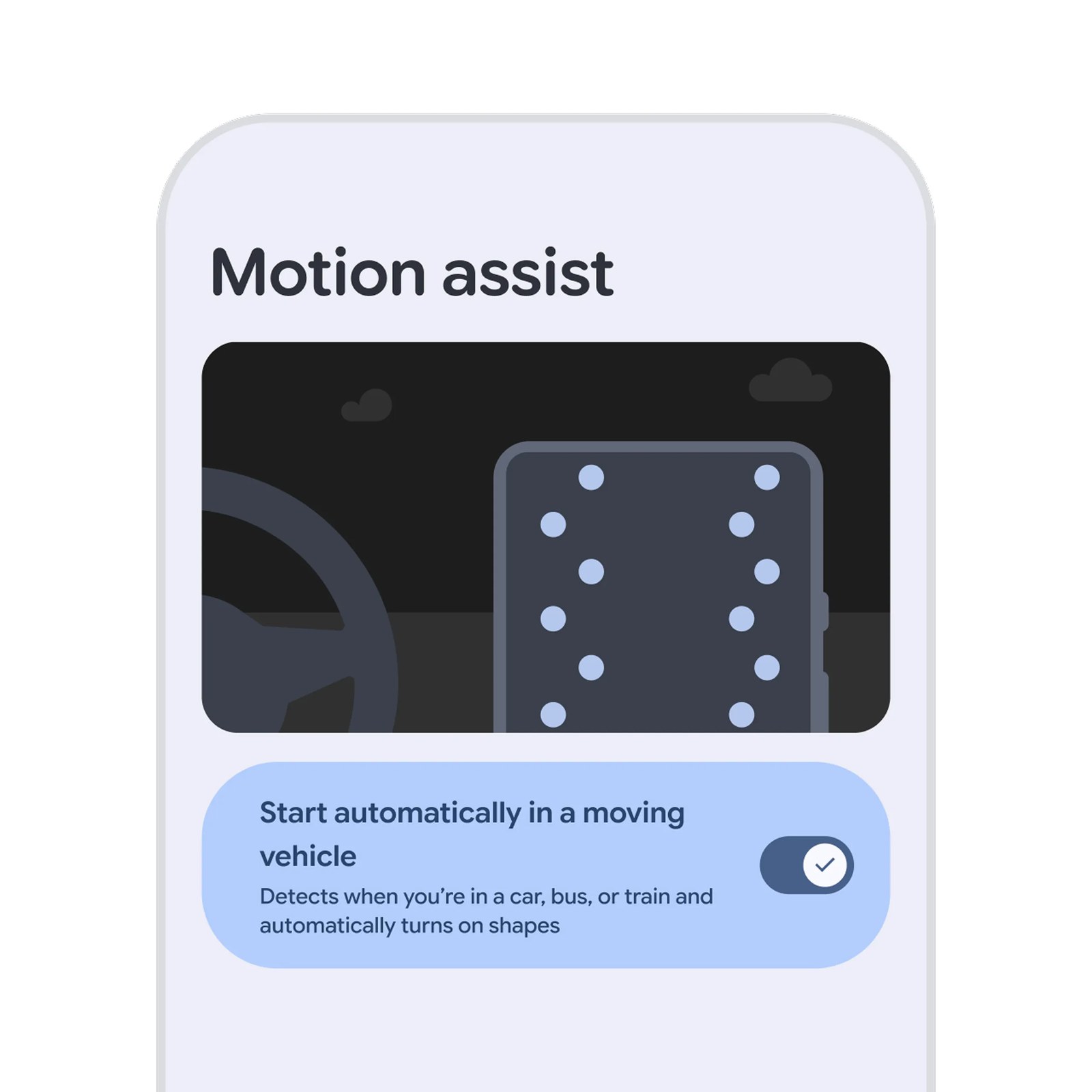
Google describes Motion Assist as a screen overlay of bubbles that move with the vehicle, designed to help reduce motion sickness while a passenger uses a phone. The announcement places it on Android 17 phones, a higher minimum than either Find Hub remembered items or Guided vision.
The described controls include automatic activation, a Quick Settings entry, and choices for bubble shape, color, and opacity. The product image below shows Google’s interface demonstration, not an independent test of how well the feature works for particular passengers.
Keep the intended setting in mind: Google describes use from the passenger seat. The announcement is not a reason to use a phone while driving, and it does not establish that every person will find the overlay effective.
Guided vision describes a camera view, with important limits
Guided vision lets a user share the camera through Gemini Live and hear descriptions of what is in front of it. Google’s examples include fine print on a food label, a dimly lit menu, and household objects. The feature can also prompt the user to reframe, pan, or center an object when the camera is not lined up.
Google says it was designed with blind and low-vision communities and is coming soon to phones running Android 9 or later where Gemini is available. The listed access routes include accessibility shortcuts, the TalkBack menu, and Gemini App Settings.
The announcement explicitly warns that Guided vision can make mistakes and is not a medical device, mobility aid, or substitute for safe-travel guidance. It must not be used for navigation or obstacle detection. Describing a label is a different task from safely guiding someone through a street or around an obstacle.
Google’s accessibility-shortcut instructions explain the general shortcut mechanisms. They do not override the feature’s coming-soon status: a shortcut framework can exist on a phone before this particular feature is available to it.
Keep inside Messages changes a shared-list workflow
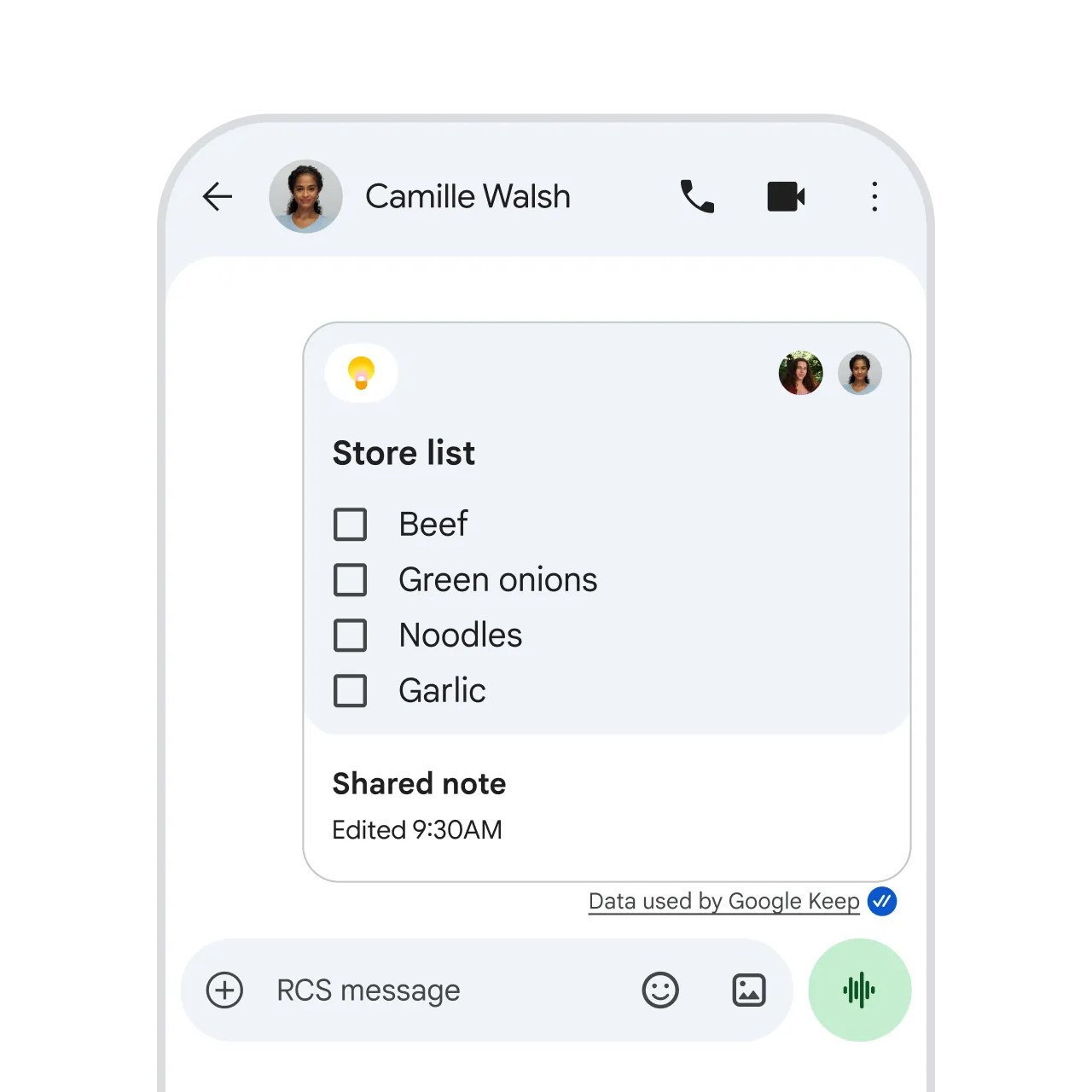
Google says the Keep integration began rolling out in Messages on September 1. It lets participants create, view, edit, and contribute to a note or list from a conversation, with entry through the plus icon.
The practical use is a shared item that changes over time, such as a grocery list or notes for a trip. Instead of treating each message as the latest copy of the list, the group can work with a shared note in the chat workflow described by Google.
This is the vendor’s announced behavior, not a report that we tested every account combination. If the option has not appeared, check the app and rollout status before assuming that the entire phone needs an operating-system upgrade.
Chat themes are a separate Messages addition
Custom chat themes let users choose a wallpaper or their own photograph, with text-bubble colors that can match it or be changed. Google describes the feature as available in Messages in the September announcement.
It is separate from the Keep integration, even though both live in the same app. Seeing chat-theme controls is not proof that Keep-in-Messages has also arrived, and neither establishes that Guided vision or remembered items are ready in Gemini.
This is a useful pattern for interpreting a quarterly feature roundup: group the additions by the service delivering them, then check their individual availability language. One headline can describe several app and system-service updates with different schedules.
A Drop is not the same thing as Android 17
The official Android feature page distinguishes operating-system upgrades, routine security updates, Android Drops, and Pixel Drops. Android Drops deliver features through Google Play services and app updates across the broader Android ecosystem. Pixel Drops concern Google Pixel devices specifically.
That explains how some September features can reach older Android versions while Motion Assist requires Android 17. It also means joining an operating-system beta is not the way to interpret an ordinary quarterly Drop announcement.
Google says Android 17 availability depends on the device manufacturer and carrier, and not every device qualifies. Check your model’s official support information instead of assuming that an image of a Pixel or a list of new features guarantees an update for your handset.
What happens next
Check the phone’s Android version, the relevant app, and the feature-specific rollout wording. For the two coming-soon additions, watch for the official availability update rather than treating repeated manual checks as a way to unlock a feature early.
The official Android video below shows the announcement in action. It is a vendor demonstration and covers the product’s intended behavior. If you are reviewing your wider phone setup, our XO Poppy power-bank recall guide provides a separate, model-specific accessory check.
Quick poll
Which September feature would be most useful to you?
Our take: check requirements for the individual feature, not just the Drop headline.
FAQ
Do I need Android 17 for every September feature?
No. Motion Assist is described for Android 17, while remembered items require Android 16+ and Guided vision is planned for Android 9+ with supported services.
Are remembered items available on every eligible phone now?
Google’s September 1 announcement says they are coming soon. Meeting the minimum Android version is not a guarantee that rollout has reached the account.
Can Guided vision navigate for me?
No. Google explicitly says not to use it for navigation or obstacle detection and warns that it can make mistakes.
Is an Android Drop a Pixel-only update?
No. Android Drops cover apps and services across the Android ecosystem, subject to requirements. Pixel Drops are a separate device-specific category.